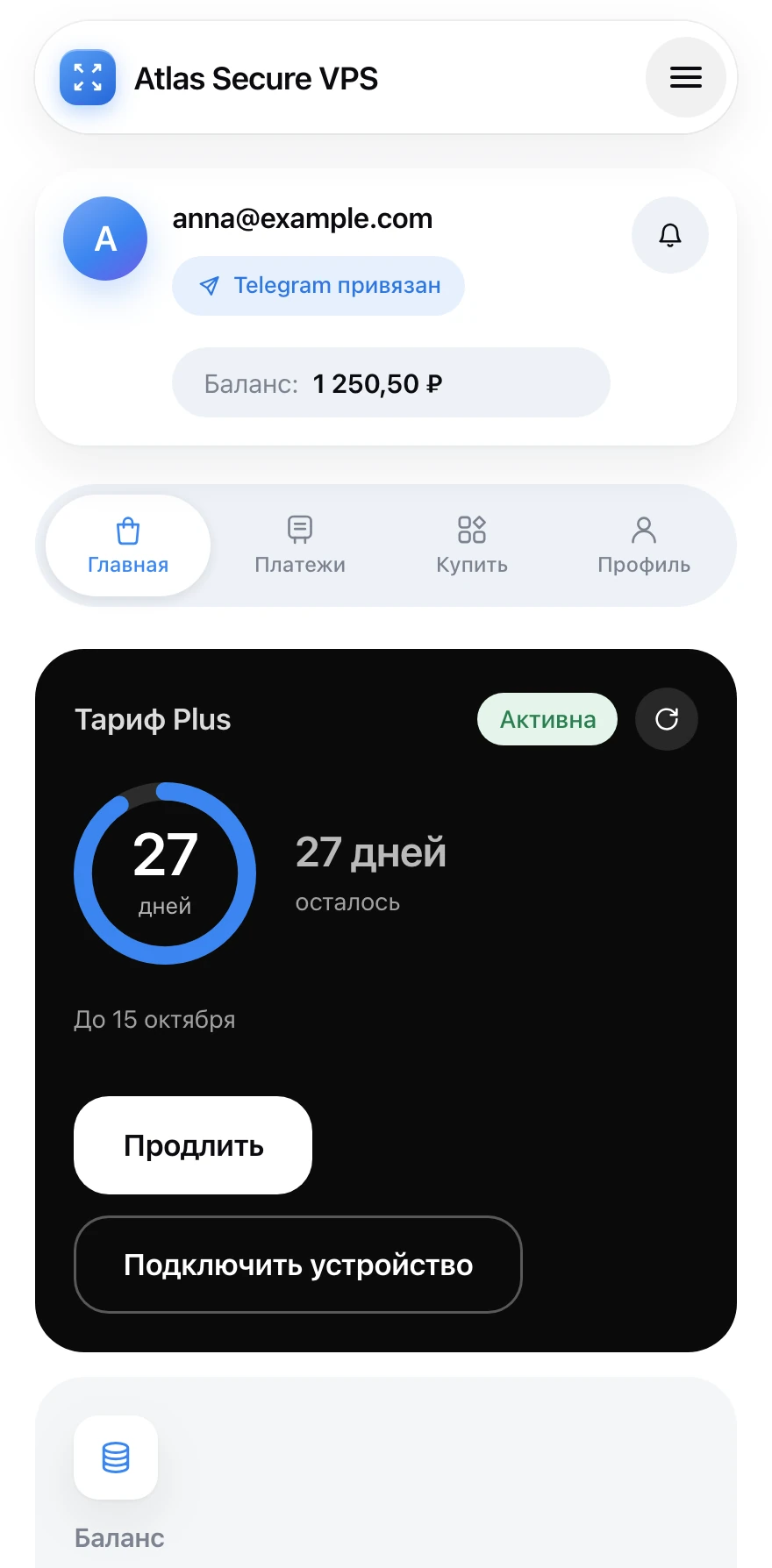
For iPhone and iPad · Safari · about 30 seconds
Atlas on the Home Screen
Five taps and your account opens like an app: full screen, no address bar.
Open the Safari menu
Bottom right, next to the address bar, tap “•••”.
On iOS 18 and earlier this step is unnecessary: the Share button sits in Safari’s bottom bar.
Tap “Share”
The first item in the menu — a square with an arrow pointing up.
Choose “Add to Home Screen”
The item with a plus in a square. Not there — pull the sheet up and scroll the list.
Tap “Add”
Leave “Open as Web App” switched on — that is what makes Atlas open full screen.
Done
The Atlas icon is on your Home Screen. Tap it and your account opens straight away.
Did not work?
“Add to Home Screen” exists in Safari only. If your account is open in another browser, copy the address and open it in Safari. Still stuck — write to support and we will help.